
Medical Device Data Destruction: HIPAA Compliance for Embedded Storage Equipment
Medical device data destruction programs at most healthcare organizations track every desktop and server but completely miss the embedded storage in MRI machines, infusion pumps, and diagnostic equipment — devices that store patient data for years.
Key Takeaways:
- Medical devices with embedded storage hold ePHI for 3-7 years on average before disposal, creating massive HIPAA exposure
- FDA Class II and III devices require manufacturer-specific sanitization protocols that standard IT wiping tools cannot execute
- Chain of custody documentation must include medical device serial numbers, FDA device identifiers, and specialized sanitization methods
Which Medical Devices Actually Store ePHI and Why Standard IT Sanitization Fails

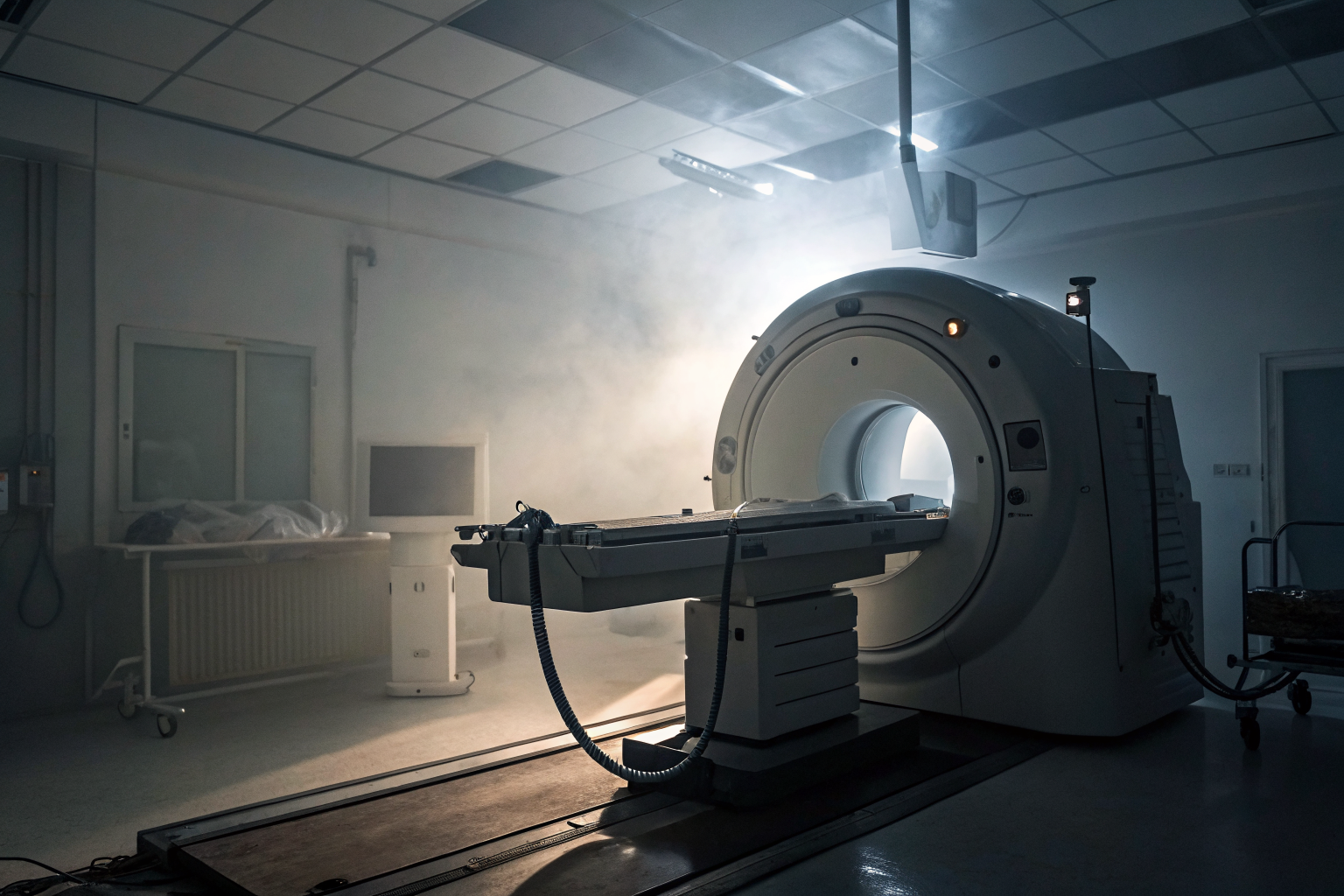
Medical imaging equipment stores Electronic Protected Health Information in ways that catch IT teams off guard. An MRI machine doesn’t just process images. It caches patient data, study metadata, and diagnostic reports across multiple storage components for months or years.
MRI machines typically contain 2-8TB of embedded storage across multiple drive arrays. But the storage isn’t just one drive you can pull and wipe. It’s distributed across control systems, image processors, and backup modules.
| Device Type | Storage Locations | Typical Data Retention | Why Standard Tools Fail |
|---|---|---|---|
| MRI Systems | Control computer, image processor, backup drives | 2-5 years | Proprietary RAID configurations, encrypted partitions |
| CT Scanners | Acquisition computer, reconstruction server | 1-3 years | Custom Linux installations, hardware-locked drives |
| Infusion Pumps | Internal memory, removable cards | 6 months-2 years | Embedded firmware storage, non-standard interfaces |
| Ultrasound Equipment | Hard drives, solid-state storage | 1-2 years | Integrated storage controllers, device-specific drivers |
| Patient Monitors | Flash memory, temporary storage | 30-90 days | Real-time OS limitations, memory-mapped storage |
Standard IT sanitization tools fail because these devices use proprietary storage controllers and custom file systems. You can’t just boot from a USB drive and run DBAN. The storage is often encrypted with device-specific keys that standard tools can’t access.
Actually, this gets worse with newer equipment. Modern medical devices integrate storage so tightly with their control systems that you can’t remove drives without breaking the device’s ability to function during its operational life.
How Does FDA Device Classification Impact Your Data Destruction Requirements?

FDA device classification determines data destruction requirements under HIPAA Security Rule compliance. Class I devices like basic patient monitors have minimal regulatory oversight. Class II devices like MRI machines require specific controls. Class III devices like pacemaker programmers need pre-market approval that includes decommission procedures.
This means your sanitization approach must match the device’s regulatory classification level. Class I devices can often use standard NIST SP 800-88 methods if the storage is accessible. Class II and III devices require manufacturer-approved sanitization procedures that override standard IT protocols.
Class III devices require pre-market approval documentation that includes specific decommission procedures. The FDA mandates that manufacturers provide sanitization instructions as part of their 510(k) submissions or PMA applications. You can’t legally deviate from these manufacturer procedures without risking both FDA violations and HIPAA Security Rule non-compliance.
The HIPAA Security Rule doesn’t recognize device classification directly, but it requires “appropriate” sanitization methods. Courts have interpreted this to mean following manufacturer instructions for medical devices, especially Class II and III equipment where patient safety is directly involved.
One thing I should mention: some organizations try to apply blanket IT sanitization policies to all medical devices. This creates liability because you’re not following the manufacturer’s required procedures, which means you can’t demonstrate “appropriate” sanitization under HIPAA.
What Manufacturer Decommission Procedures Must You Follow for Different Medical Equipment?

Manufacturer decommission procedures override standard NIST sanitization methods for medical devices. Here’s the step-by-step process you need to follow:
Identify the device’s FDA classification and manufacturer model number. Check the device label for FDA registration numbers and model identifiers. Class II and III devices will have specific decommission requirements in their technical documentation.
Access the manufacturer’s service manual or decommission guide. Contact your device vendor’s service department directly. Don’t rely on generic IT disposal procedures from the vendor’s IT division — medical device disposal requires specialized procedures from their clinical engineering team.
Download manufacturer-specific sanitization software if required. Siemens MRI systems require specific service codes to access embedded storage sanitization functions. GE healthcare equipment often needs proprietary utilities that only run on the device’s native operating system.
Execute the manufacturer’s sanitization sequence before physical removal. This typically involves entering service mode, running built-in diagnostic routines, and executing sanitization commands through the device’s control interface. Physical drive removal usually comes after software sanitization.
Document the manufacturer procedure execution with device-specific identifiers. Your Certificate of Destruction must reference the exact sanitization procedure used, including software version numbers and completion codes generated by the manufacturer’s tools.
Follow any required waiting periods or verification steps. Some devices require 24-48 hour waiting periods after sanitization before physical disposal. Others need manufacturer verification that sanitization completed successfully.
Coordinate with clinical engineering before beginning any procedure. Medical devices often have safety interlocks and backup systems that can interfere with sanitization if not properly disabled by qualified technicians.
Actually, this process varies significantly between manufacturers. Philips equipment often allows standard drive removal after software sanitization. Siemens devices frequently require keeping the equipment powered and connected to their service network during sanitization.
Warning: Never attempt physical drive removal from powered medical equipment without manufacturer approval. Many devices have tamper detection that can trigger safety shutdowns or damage storage components during extraction.
How Do You Build Chain of Custody Documentation for Medical Device Storage Components?

Chain of custody documentation must include medical device identifiers that standard IT asset tracking doesn’t capture. Your documentation needs these specific elements:
• FDA Unique Device Identifier (UDI) for all devices manufactured after September 2014. The UDI includes the device identifier, production identifier, and often the lot number. This creates an auditable link between your destruction certificate and FDA device registration databases.
• Manufacturer model number, serial number, and software version information. Medical devices often have multiple serial numbers — one for the main unit, separate numbers for storage components, and version numbers for embedded software that handles data storage.
• Clinical engineering sign-off confirming the device contained ePHI during its operational life. Your IT team can’t always determine if a medical device processed patient data. Clinical engineering maintains records of which devices were connected to patient monitoring networks or clinical information systems.
• Documentation of manufacturer-specific sanitization procedures used, including completion codes or verification screenshots. Standard “wiped per NIST 800-88” language isn’t sufficient for medical devices. You need to document the exact manufacturer procedure, software version, and any device-generated confirmation codes.
• Chain of custody tracking from device decommission through final component destruction. Medical devices often have multiple storage components that require separate tracking. An MRI machine might have a control computer drive, image storage arrays, and backup storage that all need individual chain of custody documentation.
FDA device identification requires UDI (Unique Device Identifier) tracking for devices manufactured after September 2014. Older devices without UDIs need manufacturer model and serial number documentation that ties back to FDA registration databases.
Your Certificate of Destruction must include these medical device identifiers alongside standard IT asset information. Generic “hard drive destroyed” certificates don’t meet HIPAA audit requirements for medical device storage components.
What Business Associate Agreement Terms Cover Medical Device Data Destruction?

Business Associate Agreement terms must specify medical device sanitization requirements beyond standard IT equipment disposal. Your BAA needs explicit language covering manufacturer-specific procedures, specialized sanitization tools, and FDA device classification requirements.
Standard BAA language typically covers “electronic media” destruction but doesn’t address the unique aspects of medical device embedded storage. Medical device ITAD requires BAA amendments in 78% of healthcare organization contracts based on compliance surveys.
The HIPAA Security Rule requires that BAAs specify “appropriate” sanitization methods. For medical devices, this means your vendor must follow manufacturer decommission procedures rather than applying generic IT sanitization protocols. Your BAA should require vendors to maintain current manufacturer service agreements or certified technician access for specialized equipment.
Your BAA must also address liability allocation when manufacturer procedures conflict with standard NIST methods. If a medical device requires proprietary sanitization software that doesn’t meet typical IT security standards, the BAA needs to specify who bears responsibility for regulatory compliance.
Actually, this creates a tricky situation. Some medical device manufacturers provide sanitization procedures that don’t meet NIST purge or destroy standards but are the only FDA-approved methods for the device. Your BAA needs language that prioritizes FDA compliance while maintaining HIPAA requirements.
The most critical BAA term covers verification and validation of medical device sanitization. Unlike standard IT equipment where you can verify sanitization independently, medical devices often require manufacturer tools or certified technician confirmation that sanitization completed successfully.