
SSD Data Destruction: How to Securely Sanitize Solid-State Drives
SSD data destruction methods fail more often than organizations realize. SSDs store data differently than traditional hard drives, making standard sanitization approaches ineffective and creating compliance nightmares for teams that don’t understand firmware-level destruction requirements.
Key Takeaways:
• ATA Secure Erase commands fail on 33% of consumer SSDs due to firmware bugs, requiring alternative sanitization methods
• NVMe Sanitize Crypto Erase completes in under 2 seconds for self-encrypting drives versus 4-6 hours for Block Erase
• Physical shredding remains the only NIST SP 800-88 compliant option for damaged SSDs or drives with failed sanitization commands
Why Traditional Hard Drive Sanitization Fails on SSDs
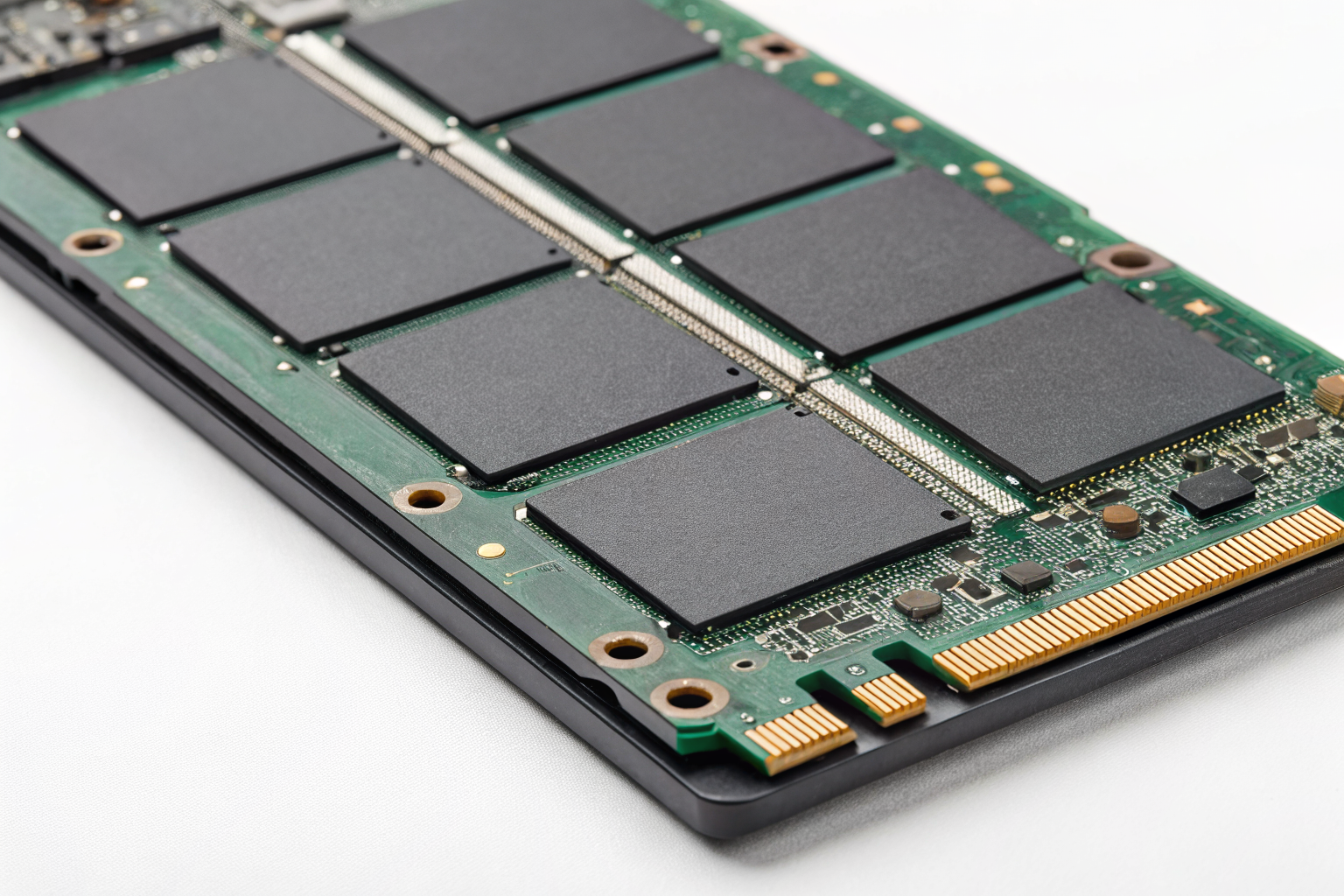
Flash memory architecture is fundamentally different from magnetic storage. This means conventional overwriting methods that work on spinning disks become worthless on solid-state drives.
SSDs use NAND flash memory organized in blocks and pages. Unlike hard drives that write data to specific physical sectors, SSDs use wear leveling algorithms that constantly move data around to prevent specific memory cells from wearing out. Your operating system thinks it’s writing to logical block address 1000, but the SSD controller might actually store that data in physical block 5847.
Wear leveling creates invisible data remnants. When you delete a file or overwrite sectors, the SSD controller marks the old data as invalid but doesn’t immediately erase it. That “deleted” data sits in background memory cells until the drive needs that space for new writes.
Over-provisioning makes this problem worse. SSDs reserve 7-28% over-provisioned space inaccessible to standard erasure tools. This hidden area stores spare blocks for when memory cells fail, but it also becomes a data hiding spot that survives traditional sanitization attempts.
NIST SP 800-88 acknowledges this reality. The standard explicitly states that overwriting methods effective on magnetic media “may not completely sanitize the media” when applied to flash memory devices. Media sanitization for SSDs requires drive-specific commands that communicate directly with the controller firmware.
How to Execute ATA Secure Erase on SATA SSDs

ATA Secure Erase bypasses the operating system and talks directly to the SSD controller. This firmware-level command instructs the drive to reset all memory cells to their factory state.
Check if the drive supports Secure Erase using hdparm on Linux: Run
hdparm -I /dev/sdX | grep Eraseto verify Security Erase Unit support. Look for “not frozen” status.Unfreeze the drive if it shows as frozen: Most systems automatically freeze drives on boot for security. Wake the drive from sleep using
hdparm -I /dev/sdXor perform a suspend/resume cycle.Set a temporary user password: Execute
hdparm --user-master u --security-set-pass p /dev/sdXwhere “p” is your temporary password. This enables the security features.Launch the Secure Erase command: Run
hdparm --user-master u --security-erase p /dev/sdXwith the same password. The drive LED should show activity during the process.Wait for completion and verify: Enhanced Secure Erase takes 2-4 hours for 1TB SSDs versus 30 minutes for standard erase. Check that the security features are disabled after completion.
Data Erasure Software like DBAN won’t work here because it uses OS-level overwriting. You need tools that can send ATA commands directly to the drive controller. Parted Magic and various Linux distributions include hdparm for this purpose.
One warning: Some consumer SSDs have buggy firmware that reports Secure Erase completion while leaving data intact. Always verify with a secondary method on critical deployments.
Which NVMe Sanitize Commands Work for Different Drive Types?

NVMe drives use a different command set than SATA drives. The NVMe specification includes three distinct sanitization methods with different capabilities and timing.
| Sanitize Method | Time for 1TB | Works On | Data Recovery Risk | Best Use Case |
|---|---|---|---|---|
| Block Erase | 4-6 hours | All NVMe drives | Low (overwrites all blocks) | Non-encrypted drives |
| Crypto Erase | Under 2 seconds | Self-encrypting drives only | Minimal (destroys encryption keys) | Time-sensitive operations |
| Overwrite | 6-8 hours | All NVMe drives | Very low (multiple pass overwrite) | High-security requirements |
NVMe Sanitize commands provide three sanitization methods that operate at the controller level. Block Erase physically resets every NAND flash memory cell to its erased state. Crypto Erase destroys the internal encryption keys on self-encrypting drives. Overwrite performs multiple passes of data patterns across all user-accessible areas.
Crypto Erase works only on drives with hardware encryption capabilities (roughly 40% of enterprise NVMe drives). You can identify these drives by checking for TCG Opal support or looking for “Self-Encrypting” in the drive specifications.
The nvme-cli tool handles sanitization on Linux systems. Windows requires vendor-specific utilities or third-party software that supports NVMe sanitize commands. Always verify your chosen tool actually sends sanitize commands rather than using OS-level file deletion.
Actually, timing varies significantly between manufacturers. Some enterprise SSDs complete Block Erase in 90 minutes while others need the full 6 hours. Check your drive’s specification sheet for accurate time estimates.
When Does Self-Encrypting Drive Cryptographic Erase Actually Work?
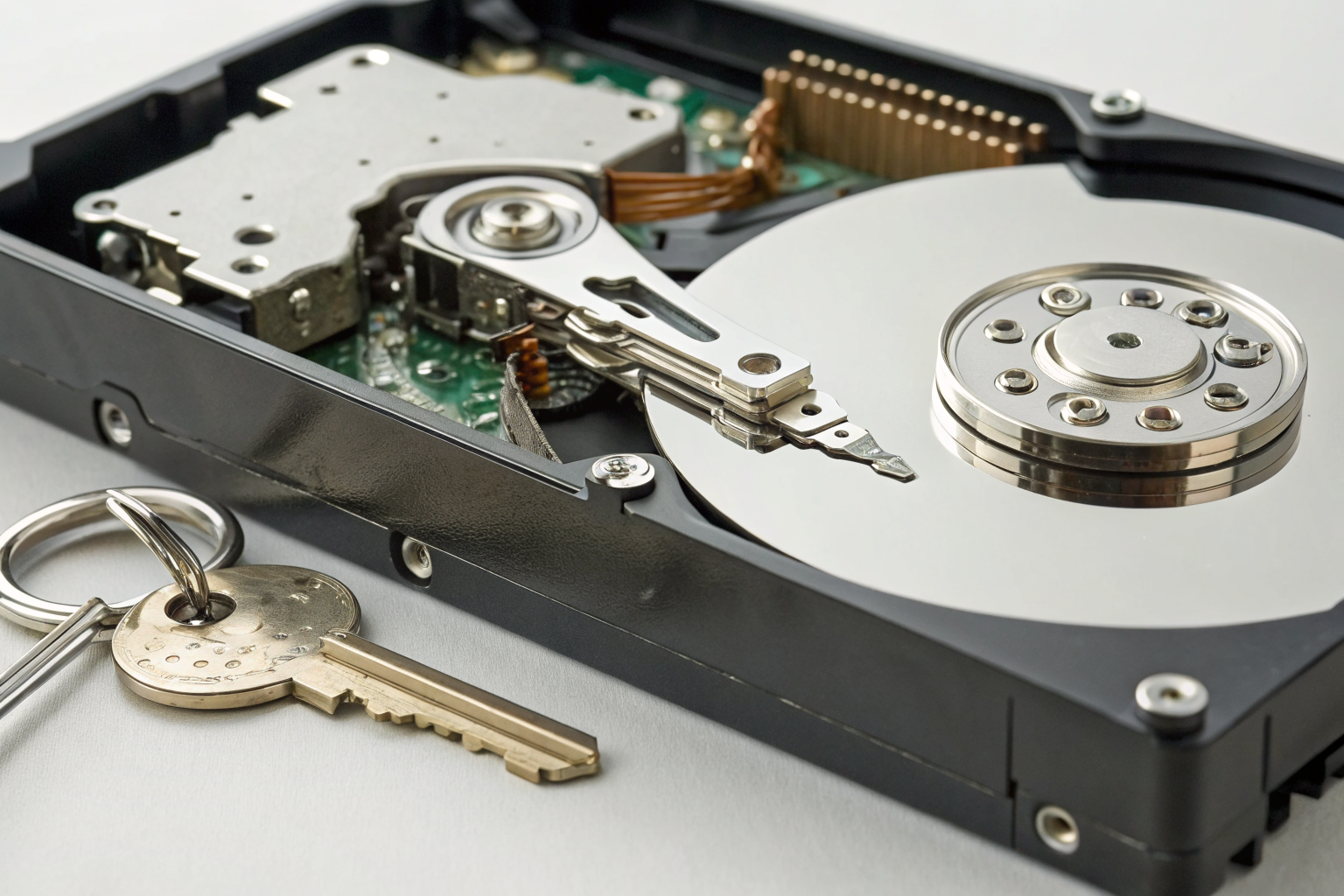
Self-encrypting drives encrypt all data automatically using hardware-based encryption keys. Cryptographic erase destroys these keys, making the encrypted data mathematically unrecoverable.
Self-encrypting drives use hardware-based encryption keys stored in the drive controller’s secure memory. When you enable encryption, the drive generates a unique Data Encryption Key (DEK) that encrypts every bit of data written to NAND flash. The drive also creates an Authentication Key (AK) that protects access to the DEK.
Cryptographic erase overwrites both keys with random data. Since the encrypted data remains on the drive but the decryption keys are destroyed, the information becomes permanently inaccessible. This approach works faster than physical erasure because you’re destroying kilobytes of key data instead of terabytes of user data.
TCG Opal 2.0 SEDs represent 15% of commercial SSD shipments but 60% of enterprise models. However, many organizations never enable the encryption features, making cryptographic erase impossible. You must verify that encryption is both supported and activated before attempting key destruction.
FIPS 140-2 Level 2 validation provides additional assurance for government and healthcare applications. These drives undergo independent testing to verify that key destruction actually works. Commercial drives without FIPS validation may have implementation flaws that leave key fragments recoverable.
One critical gap: Drive firmware updates can sometimes restore encryption keys from backup locations. Always verify that your Certificate of Destruction process includes firmware version documentation and post-erase validation testing.
What SSD Sanitization Failures Require Physical Destruction?

Firmware bugs, hardware damage, and compliance requirements create scenarios where logical erasure commands fail. Physical destruction becomes your only option.
• Command execution failures: SSDs with corrupted firmware may report successful sanitization while leaving data intact. Drives that freeze during erase operations or return error codes need physical destruction.
• Damaged drives with power failures: SSDs that won’t power on or respond to commands cannot execute sanitization routines. Water damage, electrical surges, or mechanical trauma make logical erasure impossible.
• High-security classification levels: Government and defense applications often require physical destruction regardless of logical sanitization success. NIST SP 800-88 mandates physical destruction for TOP SECRET data.
• Litigation hold requirements: Legal preservation orders may prohibit any destruction attempts that could be construed as evidence tampering. Physical destruction with proper documentation becomes the compliant path.
• Failed verification testing: Post-sanitization forensic analysis that recovers any data remnants triggers the physical destruction requirement. Even partial recovery constitutes sanitization failure.
Hard Drive Shredder equipment must meet specific particle size requirements. NIST SP 800-88 requires shredding to 2mm maximum particle size for high-security SSD destruction. Commercial shredders produce 6mm particles, which fail compliance standards for classified data.
Degaussing doesn’t work on SSDs because flash memory doesn’t use magnetic storage. The strong magnetic fields that erase hard drives have zero effect on NAND flash cells.
How to Verify SSD Sanitization Actually Worked

Sanitization verification requires multiple validation methods because firmware bugs and incomplete erasure create false positives. Never trust the drive’s status report alone.
Run forensic recovery software immediately after sanitization: Tools like PhotoRec or R-Studio attempt data recovery on the sanitized drive. Any recovered files indicate sanitization failure.
Perform sector-by-sector analysis of random drive areas: Use dd or similar tools to dump raw sectors from different drive regions. Search the output for recognizable data patterns, file signatures, or text strings.
Verify that ATA/NVMe commands completed successfully: Check command logs for error codes, timeout messages, or unexpected termination. Drives that report completion in unrealistically short timeframes likely failed.
Test drive functionality after sanitization: Successfully sanitized drives should accept new data normally. Drives with read/write errors after sanitization may have incomplete erasure due to hardware problems.
Document verification results with timestamps and tool versions: NIST SP 800-88 requires verification documentation for compliance audits. Include the specific forensic tools used, sectors analyzed, and recovery attempt results.
Sanitization verification requires multiple validation methods that examine both logical and physical data recovery possibilities. Media sanitization standards expect organizations to prove that data cannot be recovered using commercially available forensic tools.
Forensic recovery tools can extract data from 12% of SSDs after failed sanitization attempts. This failure rate includes drives with firmware bugs, incomplete command execution, and over-provisioning areas that weren’t addressed during erasure.
Actually, verification becomes more complex with encrypted drives. You need to test both data recovery and key recovery to ensure cryptographic erase worked properly. Some drives store key backups in hidden firmware areas that survive standard crypto erase commands.