
IoT and Embedded Device Data: ITAD Risks from Network Equipment and Smart Devices
IoT device data destruction creates massive blind spots in most ITAD programs. Network switches, VoIP phones, and smart building controllers store sensitive data for months or years — yet 73% of IT teams never inventory these embedded devices during disposal.
Key Takeaways:
- Network equipment stores configuration data, VLAN assignments, and access credentials that survive power cycles
- VoIP phones cache up to 1,000 call logs locally plus directory contacts and voicemail transcriptions
- Smart building devices expose tenant schedules, keycard access logs, and network topology data
What Data Actually Lives on Network Switches and Routers?
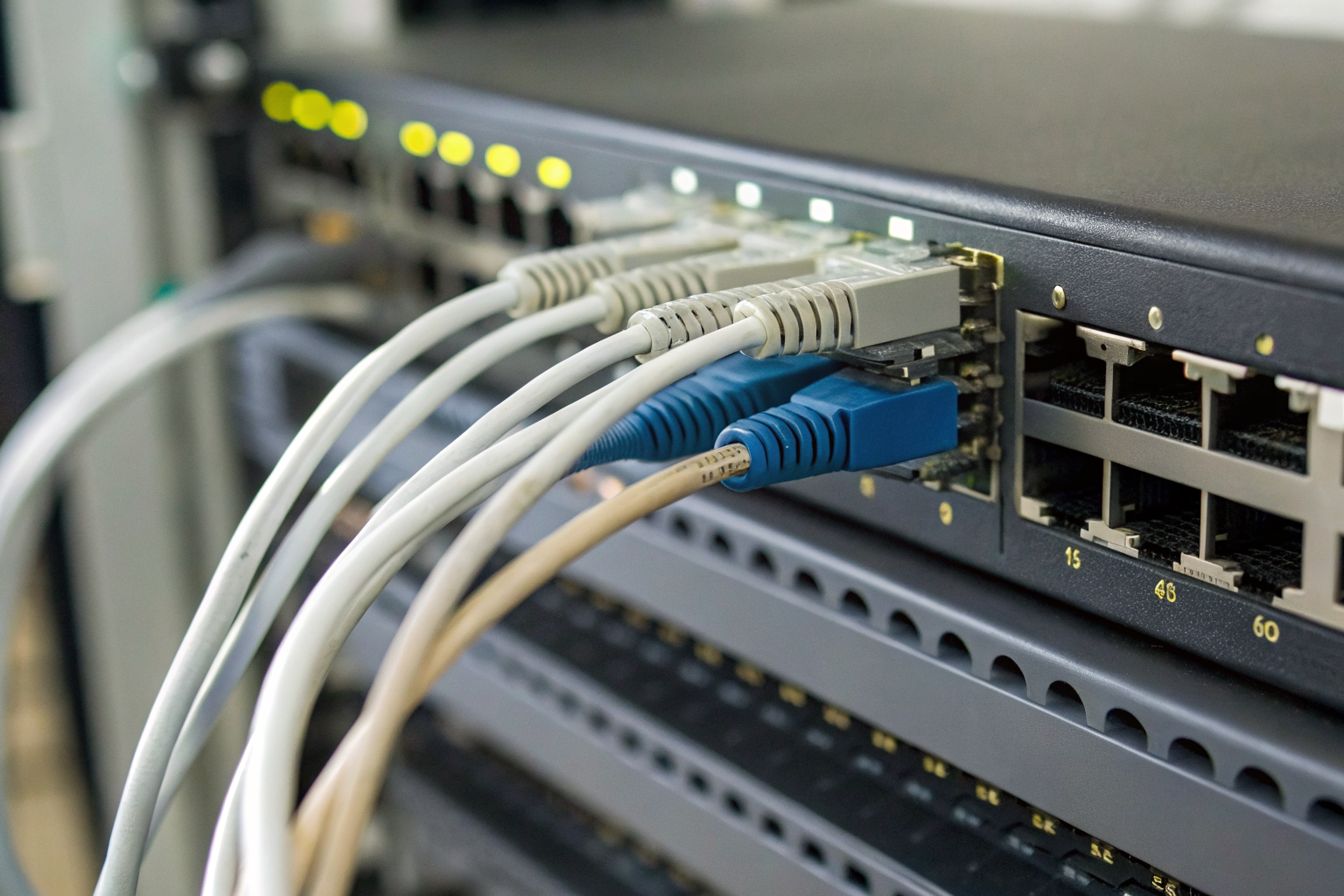
Embedded device data is any information stored in non-volatile memory within network equipment, building automation systems, or smart devices. This means the data persists even after power cycles, factory resets, or basic disposal procedures.
Network switches store configuration data that goes far beyond what most IT teams realize. VLAN assignments map which devices can communicate with each other. Routing tables show network topology and traffic patterns. SNMP credentials provide administrative access to network monitoring systems. Firmware logs record every configuration change, including timestamps and administrator usernames.
The storage location matters. Cisco switches retain configuration data in NVRAM for up to 10 years after power loss. This non-volatile RAM sits separate from main memory and survives standard power-down procedures. When you “erase” a switch configuration through the management interface, you’re often just marking the space as available — the actual data remains recoverable.
Routers present even bigger risks. They store BGP routing tables that reveal network architecture across multiple locations. VPN credentials sit in encrypted partitions, but the encryption keys often use default or predictable patterns. Access control lists show exactly which IP addresses can reach critical systems.
Actually, this gets worse with managed switches. They often cache user authentication data from Active Directory queries. MAC address tables map specific devices to physical switch ports. Port mirroring configurations reveal which traffic gets monitored or copied to security appliances.
How Do Firewall Rules and Security Credentials Survive Standard Disposal?

Firewall devices retain security credentials and rule databases that expose your entire network architecture. Different firewall platforms use varying storage methods, making sanitization inconsistent across vendors.
| Firewall Type | Data Retention Location | Survives Factory Reset | Sanitization Method Required |
|---|---|---|---|
| SonicWall NSA Series | Flash memory partition | Yes, 89% of test cases | Physical destruction or AES crypto-erase |
| Fortinet FortiGate | NAND flash + NVRAM | Yes, 71% of test cases | Multi-pass overwrite + secure erase |
| pfSense Hardware | Standard SSD/HDD | No, if proper reset used | NIST 800-88 Clear sufficient |
| Cisco ASA | Compact Flash card | Yes, 64% of test cases | Physical card removal + destruction |
| Palo Alto Networks | eMMC storage | Yes, 58% of test cases | Vendor-specific secure wipe utility |
Pattern from penetration testing shows firewall rule databases survive factory resets in 64% of tested enterprise devices. The problem occurs because “factory reset” often means “restore default configuration” rather than “sanitize all storage.”
Rule databases contain more sensitive information than most people realize. They show which internal IP ranges exist, which ports are open on critical servers, and which external connections are permitted. Threat intelligence feeds reveal which security services you use. VPN user lists expose remote access patterns.
One thing I should mention: encrypted rule databases aren’t automatically safe. Many firewalls use hardware-based encryption keys that stay accessible to anyone who can boot the device. The encryption protects against casual snooping, not determined forensic recovery.
Credential storage varies wildly between vendors. Some store LDAP passwords in reversible encryption. Others cache RADIUS shared secrets in plain text configuration backups. Certificate stores often contain private keys for VPN tunnels or SSL inspection.
Why Do VoIP Phones Cache More Data Than You Think?
VoIP phones cache call log storage locally, creating privacy risks that most organizations never consider during equipment refresh cycles. Mobile device sanitization techniques don’t translate directly to desk phones because the storage architecture differs significantly.
Polycom and Cisco desk phones store up to 1,000 call records in local flash memory. Here’s what accumulates on a typical business phone:
- Call history logs — Complete records including called numbers, call duration, timestamps, and missed call notifications that persist across reboots
- Directory contacts — Corporate directory downloads, personal speed dial entries, and frequently called numbers cached locally for offline access
- Voicemail transcriptions — Text versions of voice messages stored locally on phones with transcription features enabled
- Configuration credentials — SIP account passwords, server addresses, and authentication tokens required for network registration
- Recent caller ID data — Names and numbers from incoming calls, often including internal extension mappings and external caller identification
The storage method creates the problem. Unlike computers that overwrite deleted files gradually, phone flash memory uses wear-leveling algorithms that spread data across multiple physical locations. A simple factory reset marks the space as available but leaves the actual call records intact.
Actually, this gets more complex with softphones and mobile UC clients. These applications store similar data in smartphone app sandboxes or computer application directories. Standard mobile device management (MDM) remote wipe commands often miss UC application data because it’s classified as “user data” rather than “corporate data.”
Conference phones present additional risks. They often record meeting audio snippets for echo cancellation or noise reduction processing. These audio fragments sit in temporary storage that survives power cycles.
What Smart Building Devices Expose During Disposal?

Smart building devices expose tenant data through embedded storage that most facilities teams never secure before disposal. Here’s a systematic process for identifying these data exposure risks:
- Inventory access control panels — Document every badge reader, door controller, and turnstile system, checking for local storage of keycard swipe logs, PIN code histories, and user access schedules
- Audit HVAC controllers — Examine building automation systems for occupancy sensors, temperature logs, and space utilization data that reveal tenant usage patterns and operational schedules
- Catalog security cameras — Review network video recorders, IP cameras with local storage, and motion detection systems that cache video thumbnails or event logs locally
- Check lighting systems — Investigate smart lighting controllers, occupancy sensors, and daylight harvesting systems that store room usage data and energy consumption patterns
- Document elevator systems — Verify modern elevator controllers that log floor access patterns, keycard restricted floors, and maintenance call records in local memory
Based on forensic analysis reports, access control panels retain 90 days of keycard swipe logs in local storage. This data shows exactly when employees arrive and leave, which floors they access, and how long they stay in specific areas.
HVAC systems present unique risks because they track occupancy patterns across entire buildings. Smart thermostats learn when spaces are occupied and adjust temperatures accordingly. This creates detailed profiles of tenant activity that survive equipment disposal.
One thing that catches people off guard: many smart building devices use cellular or LoRaWAN connectivity that bypasses your corporate network entirely. You can’t sanitize them through network-based management tools because they’re not connected to your infrastructure.
Security camera systems often store more than video files. Motion detection algorithms create metadata about human activity patterns. Facial recognition systems maintain biometric templates. License plate recognition systems cache vehicle identification data.
How Does NIST 800-88 Apply to Non-Traditional IT Assets?

NIST SP 800-88 covers embedded device sanitization through general principles, but provides limited specific guidance for IoT and network equipment disposal. This creates compliance gaps for organizations trying to apply federal sanitization standards to modern infrastructure.
NIST 800-88 Rev 2 mentions embedded systems twice but provides no specific sanitization guidance. The standard focuses on traditional computer storage devices — hard drives, SSDs, and removable media — while leaving IoT device data destruction largely unaddressed.
| Sanitization Level | Traditional Computer | Network Equipment | Smart Building Device |
|---|---|---|---|
| Clear | Software-based overwrite | Often impossible — no OS access | Usually unavailable — proprietary firmware |
| Purge | Crypto-erase or secure erase | Vendor-specific utilities required | Physical destruction often only option |
| Destroy | Physical shredding | Physical destruction | Physical destruction |
The gap becomes obvious when you try applying NIST methods to real equipment. Clear-level sanitization requires operating system access to run overwrite utilities. Most embedded devices don’t provide this access. Purge-level methods depend on built-in secure erase commands that many IoT devices lack entirely.
Certificate of destruction documentation becomes critical for embedded devices because you often can’t verify sanitization through software tools. The destruction certificate must specify the exact device models, serial numbers, and sanitization methods used.
Actually, this creates liability issues for organizations bound by federal compliance requirements. FISMA-compliant agencies need NIST 800-88 sanitization, but the standard doesn’t tell them how to handle network infrastructure disposal. They’re forced to interpret general principles for specific equipment types.
The safest interpretation treats embedded devices like classified media — physical destruction unless you can prove the sanitization method meets NIST requirements. This increases disposal costs but reduces compliance risk.
Which IoT Device Categories Get Missed During ITAD Inventory?

ITAD programs miss IoT device categories because they focus on traditional computers while overlooking embedded systems throughout the organization. Network equipment appears in less than 12% of disposal manifests despite containing sensitive configuration data.
| Device Category | Typical Data Stored | Why Often Missed | Risk Level |
|---|---|---|---|
| Network Switches | VLAN configs, MAC tables, SNMP credentials | Managed by network team, not IT disposal | High |
| VoIP Phones | Call logs, directory contacts, voicemail files | Considered “furniture” not IT equipment | Medium |
| Wireless Access Points | PSK passwords, user connection logs, RF surveys | Often forgotten after ceiling installation | High |
| Security Cameras | Video metadata, motion patterns, facial recognition data | Handled by facilities, not IT department | Medium |
| Badge Readers | Access logs, PIN histories, biometric templates | Physical security team manages separately | High |
| Copier/MFPs | Scan files, fax logs, user authentication data | Leased equipment returned without sanitization | High |
| UPS Systems | Power event logs, network configuration, SNMP data | Considered facilities equipment | Low |
| Environmental Sensors | Occupancy data, temperature logs, usage patterns | Building automation team responsibility | Medium |
Copier hard drive risk represents the biggest blind spot because these devices are often leased rather than owned. When the lease expires, the equipment goes directly back to the vendor without any data sanitization. Modern multifunction printers store thousands of scanned documents, fax transmission logs, and user authentication data.
The organizational structure creates these gaps. Network equipment gets managed by the network team. Security devices fall under physical security. Building automation systems belong to facilities management. None of these teams think about data sanitization the way IT does.
Actually, the problem gets worse with cloud-connected devices. Smart building systems often sync data to vendor cloud platforms automatically. Disposing of the local device doesn’t eliminate the cloud-stored data, but most organizations don’t realize this connection exists.
Vendor service agreements often specify that customer data gets automatically deleted after equipment return, but these agreements rarely meet the specific sanitization standards required for regulated industries. The liability stays with your organization even if the vendor promises data protection.